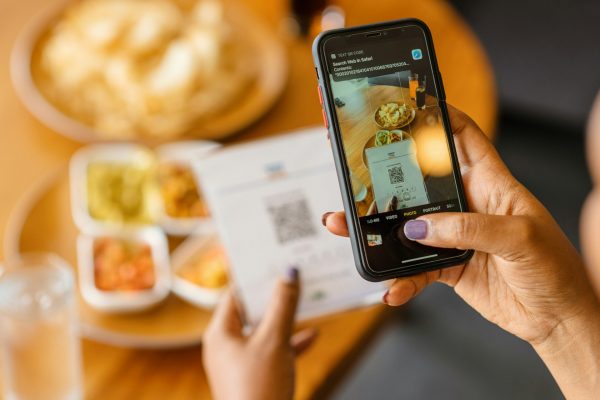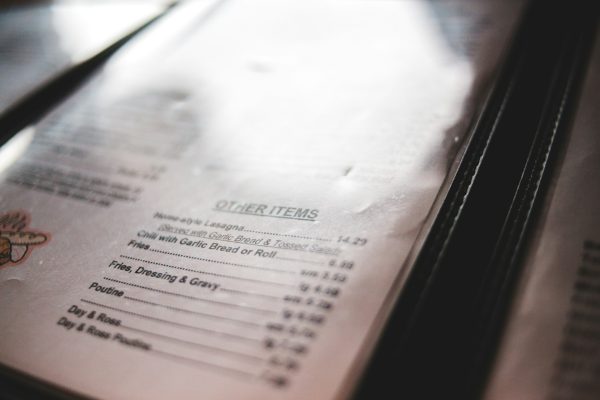
The paper menu, which is a classic staple of dining, is quickly becoming an expensive, outdated artifact that creates more friction than flavor. This article will explore the massive limitations of traditional, static menus in today’s dynamic restaurant environment and demonstrate how a platform like Chocochip.ai is introducing a menu that revolutionizes the guest experience, …

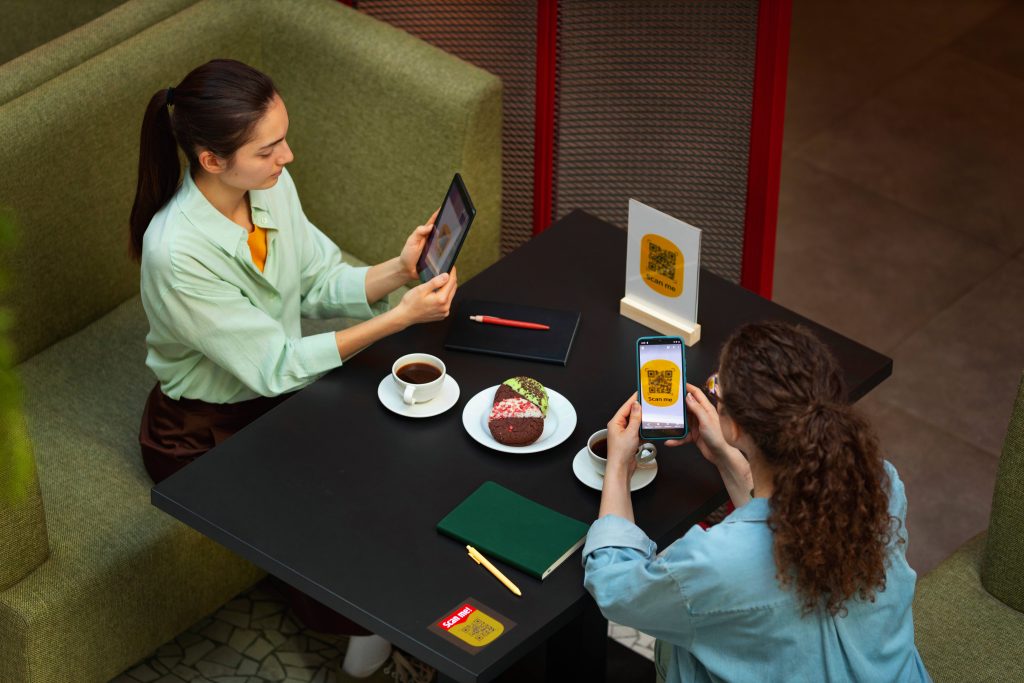
The paper menu, which is a classic staple of dining, is quickly becoming an expensive, outdated artifact that creates more friction than flavor. This article will explore the massive limitations of traditional, static menus in today’s dynamic restaurant environment and demonstrate how a platform like Chocochip.ai is introducing a menu that revolutionizes the guest experience, streamlines operations, and dramatically boosts sales. Get ready to swap printing costs for real-time profits.
The Numbers Behind the Shift to Digital Menus
Restaurant owners don’t need to take a leap of faith on digital menus. The data already makes the case clearly.
According to PYMNTS, QR code adoption by US restaurants has increased 150% over the past two years alone making digital menus one of the fastest-adopted technologies in the sector’s recent history. You can verify the full trend data at PYMNTS.com.
A survey by Eater found that 78% of diners now prefer QR code menus over traditional paper menus: a preference that cuts across age groups, not just younger demographics.
Industry data from 2024 shows that restaurants using digital menus recorded a 30% reduction in ordering errors and 20% shorter waiting times NetSuite, according to OctoTable’s analysis of digital menu adoption. Read the full breakdown at octotable.com.
According to Escoffier’s 2024 restaurant technology report, 48% of restaurants invested in digital customer experience tools in 2023 — and that number was projected to rise to 60% in 2024 Craver + Square, making it the industry’s top investment priority. See the full report at escoffier.edu.
The pattern is consistent: restaurants that have made the switch are not going back, and those still on the fence are increasingly in the minority.
The Pitfalls of the Static Menu
Think about the last time your server had to say, “Sorry, we’re actually out of that.” This frustrating scenario is a direct result of relying on a static menu that can’t keep pace with a fast-moving kitchen.
Static menus create three major problems:
- Based on Previous Orders: If a customer is a returning guest, the AI remembers their favorites and habits. It might suggest, “Welcome back! Would you like your usual Espresso Martini?” This level of personalization creates loyalty and a feeling of being valued.
- Intelligent Upselling and Cross-Selling: As the guest builds their order, the AI provides subtle, context-aware suggestions. If they order a burger, the system might recommend a specific craft beer pairing. Because the suggestions are personalized and relevant, they are far more likely to be accepted, leading to a noticeable increase in the average check size.
Moving Forward: The Future of Frictionless Dining
The era of the static paper menu is drawing to a close. In a world where instant information is the norm, restaurants need a tool that can keep up with their pace. By adopting a dynamic, live menu powered by AI, restaurants using platforms like Chocochip.ai are not just saving on printing costs—they are delivering frictionless ordering, boosting staff efficiency, and turning every digital interaction into a personalized, profitable experience. The menu isn’t just a list anymore; it’s the smartest server in the room.
Try Chocochip Smart QR Menu
Transform your static PDF or paper menu into an interactive digital experience. Real-time updates, instant recommendations, and staff nudges, all set up faster than brewing a pot of coffee.
Digital Menu vs Paper Menu: What Does Each Actually Cost?
This is the question most restaurant owners want answered before making any decision. The honest answer is that paper menus look cheaper upfront but cost significantly more over a full year once you account for reprinting, design fees, and the revenue you lose every time a guest orders something the kitchen ran out of an hour ago.
Here’s how the numbers typically break down for a mid-size US restaurant with 20–30 tables.
Paper Menu Annual Costs
| Cost Item | Typical Range |
|---|---|
| Initial design (per menu cycle) | $300 – $800 |
| Printing (first batch, 50–100 copies) | $200 – $600 |
| Reprints for damage, wear, updates | $150 – $400 per reprint run |
| Seasonal menu redesign + reprint (2–3x/year) | $500 – $1,500 |
| Lamination or menu covers | $100 – $300 |
| Estimated annual total | $1,200 – $3,500+ |
And this doesn’t account for the hidden costs where the orders that go wrong because the printed menu shows a price that changed last month, or the guests who leave disappointed because the dish they chose wasn’t available.
Digital Menu Annual Costs
| Cost Item | Typical Range |
|---|---|
| Setup / onboarding | $0 – $200 (one time) |
| Monthly subscription | $29 – $99/month |
| QR code printing (table cards, stickers) | $20 – $80 one time |
| Menu updates | $0 — included, unlimited |
| Estimated annual total | $350 – $1,300 |
With a platform like Chocochip, menu updates are real time and unlimited: no reprinting, no design fees, no waiting for new menus to arrive from the printer before you can change a price.
The Break-Even Point
For most restaurants, a digital menu pays for itself within two to four months purely on saved printing costs before factoring in any revenue gains from AI upselling or faster table turns.
If your restaurant reprints menus even twice a year due to price changes, seasonal updates, or wear and tear, you are almost certainly already spending more on paper than a digital subscription would cost.
What About Upfront Investment?
The one area where paper wins on paper (no pun intended) is day one. There is no subscription to set up, no onboarding, and no learning curve. For a restaurant operating on very tight cash flow that cannot commit to a monthly cost, a printed menu is still a functional short-term option.
But for any restaurant thinking beyond the next 90 days, the maths consistently favour digital and the gap widens every time ink and paper prices increase, which they have done steadily since 2021.
A note on hybrid setups: many restaurants keep a small stock of printed menus as a backup for guests who prefer them or for outages, while running digital as the default. This approach costs slightly more than pure digital but significantly less than pure paper and it removes the friction of forcing every guest into a QR experience regardless of preference.
- Zero Real-Time Updates: They cannot update instantly based on ingredient shortages or kitchen mishaps. If the special runs out at 7 PM, every new guest for the rest of the evening sees it, leading to disappointment and wasted time for both the customer and the waiter.
- Inconsistent Information: Once a menu is printed, all its information from prices to dish descriptions is fixed. Any necessary changes, no matter how small, require re-printing, leading to high operational costs and a significant risk of staff giving out outdated information.
- Customer Stress and Slow Decisions: Faced with a long list of dishes, guests often take too long to decide, which slows down table turnover and impacts the entire service flow.
When a Paper Menu Still Makes Sense
Digital menus are not the right fit for every restaurant in every situation. Here’s an honest look at when sticking with paper, or running both side by side, is actually the smarter call.
Fine dining and high-end tasting menus: In restaurants where the menu itself is part of the theatre: leather-bound, handwritten, presented with ceremony. In this case, a QR code can feel jarring. Guests at a $200-a-head tasting menu are paying for an experience, and pulling out a phone to scan a code breaks the atmosphere that the whole evening is built around. For this segment, a beautifully printed menu is still a legitimate hospitality tool.
Older guest demographics: If your regulars skew toward 65 and older, a fully digital experience can create friction rather than remove it. Not every guest is comfortable scanning QR codes or navigating a mobile menu, and making them feel awkward at the table is the opposite of good service. A paper fallback, even just kept behind the host stand, removes that friction entirely without any cost to your digital-first approach.
Locations with unreliable Wi-Fi or mobile signal: A digital menu is only as good as the connection it loads on. Outdoor dining areas, basement restaurants, thick-walled heritage buildings, and rural locations can all suffer from patchy signal. If your guests regularly can’t load the menu reliably, the experience becomes more frustrating than a laminated card ever was. Before going fully digital, test your signal strength at every table: not just near the router.
Pop-ups, markets, and temporary setups If you’re running a stall at a food market, a pop-up event, or a seasonal location, the overhead of setting up and maintaining a digital menu system may not be worth it for the duration. A simple printed or handwritten board often works better in these contexts because they are faster to update on the spot, no tech dependencies.
When the power goes out It’s worth having a contingency. A full outage takes down your POS, your kitchen display, and your digital menus simultaneously. Keeping a small stack of printed menus for exactly this scenario isn’t a step backward, in fact, it’s just sensible operations.
The honest takeaway: paper menus are not inherently bad. They are just expensive to maintain, impossible to update in real time, and increasingly out of step with what most guests expect. For the majority of restaurants: fast casual, casual dining, cafes, bars, hotel restaurants, and food halls — the case for going digital is strong. But the best operators don’t make it an either/or. They use digital as the default and keep a paper option available for the guests who need it.
Chocochip.ai: The Power of a Dynamic, Live Menu
Chocochip.ai is changing this paradigm by introducing the dynamic, AI-powered live menu accessible right from the guest’s phone via a simple QR code. This digital menu is less about a list of items and more about an intelligent, conversational experience.
1. Instant Operational Sync
The most immediate benefit is operational efficiency. The Chocochip.ai menu stays in real-time sync with the kitchen. If a critical ingredient runs low or the chef runs out of a specific item, the digital menu updates instantly. This ensures guests are never offered a dish that’s unavailable, eliminating frustrating conversations and reducing order errors. The menu reflects the current reality of the kitchen, not a static snapshot from yesterday.
2. Decision-Making Made Easy
The AI acts as an expert assistant that drastically reduces ordering stress and speeds up the decision-making process. Guests don’t have to scroll aimlessly; they can simply ask questions about the menu just as they would ask a waiter:
- “What dish is best for two people who like spicy food?”
- “What are your most popular vegan options?”
- “Is the soup dairy-free?”
The AI processes these natural language queries and provides immediate, accurate answers, allowing the guest to decide quicker and feel more confident in their choice.
3. Targeted, Personalized Suggestions That Drive Revenue
This is where the live menu truly outshines its paper predecessor. The Chocochip.ai system is highly targeted, offering personalized suggestions that mimic the attention of an incredible server.
- Based on Previous Orders: If a customer is a returning guest, the AI remembers their favorites and habits. It might suggest, “Welcome back! Would you like your usual Espresso Martini?” This level of personalization creates loyalty and a feeling of being valued.
- Intelligent Upselling and Cross-Selling: As the guest builds their order, the AI provides subtle, context-aware suggestions. If they order a burger, the system might recommend a specific craft beer pairing. Because the suggestions are personalized and relevant, they are far more likely to be accepted, leading to a noticeable increase in the average check size.
Moving Forward: The Future of Frictionless Dining
The era of the static paper menu is drawing to a close. In a world where instant information is the norm, restaurants need a tool that can keep up with their pace. By adopting a dynamic, live menu powered by AI, restaurants using platforms like Chocochip.ai are not just saving on printing costs—they are delivering frictionless ordering, boosting staff efficiency, and turning every digital interaction into a personalized, profitable experience. The menu isn’t just a list anymore; it’s the smartest server in the room.
Try Chocochip Smart QR Menu
Transform your static PDF or paper menu into an interactive digital experience. Real-time updates, instant recommendations, and staff nudges, all set up faster than brewing a pot of coffee.
Digital Menu vs Paper Menu: What Does Each Actually Cost?
This is the question most restaurant owners want answered before making any decision. The honest answer is that paper menus look cheaper upfront but cost significantly more over a full year once you account for reprinting, design fees, and the revenue you lose every time a guest orders something the kitchen ran out of an hour ago.
Here’s how the numbers typically break down for a mid-size US restaurant with 20–30 tables.
Paper Menu Annual Costs
| Cost Item | Typical Range |
|---|---|
| Initial design (per menu cycle) | $300 – $800 |
| Printing (first batch, 50–100 copies) | $200 – $600 |
| Reprints for damage, wear, updates | $150 – $400 per reprint run |
| Seasonal menu redesign + reprint (2–3x/year) | $500 – $1,500 |
| Lamination or menu covers | $100 – $300 |
| Estimated annual total | $1,200 – $3,500+ |
And this doesn’t account for the hidden costs where the orders that go wrong because the printed menu shows a price that changed last month, or the guests who leave disappointed because the dish they chose wasn’t available.
Digital Menu Annual Costs
| Cost Item | Typical Range |
|---|---|
| Setup / onboarding | $0 – $200 (one time) |
| Monthly subscription | $29 – $99/month |
| QR code printing (table cards, stickers) | $20 – $80 one time |
| Menu updates | $0 — included, unlimited |
| Estimated annual total | $350 – $1,300 |
With a platform like Chocochip, menu updates are real time and unlimited: no reprinting, no design fees, no waiting for new menus to arrive from the printer before you can change a price.
The Break-Even Point
For most restaurants, a digital menu pays for itself within two to four months purely on saved printing costs before factoring in any revenue gains from AI upselling or faster table turns.
If your restaurant reprints menus even twice a year due to price changes, seasonal updates, or wear and tear, you are almost certainly already spending more on paper than a digital subscription would cost.
What About Upfront Investment?
The one area where paper wins on paper (no pun intended) is day one. There is no subscription to set up, no onboarding, and no learning curve. For a restaurant operating on very tight cash flow that cannot commit to a monthly cost, a printed menu is still a functional short-term option.
But for any restaurant thinking beyond the next 90 days, the maths consistently favour digital and the gap widens every time ink and paper prices increase, which they have done steadily since 2021.
A note on hybrid setups: many restaurants keep a small stock of printed menus as a backup for guests who prefer them or for outages, while running digital as the default. This approach costs slightly more than pure digital but significantly less than pure paper and it removes the friction of forcing every guest into a QR experience regardless of preference.