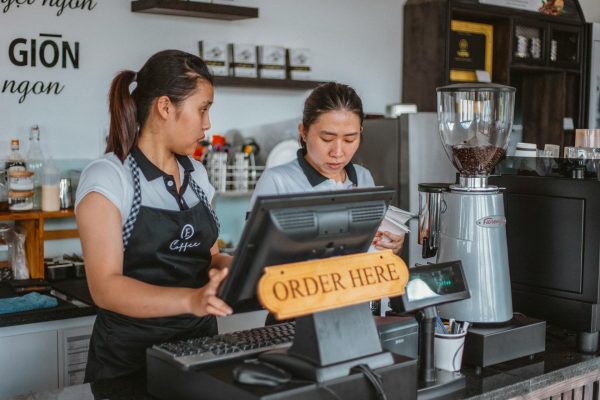
Update your restaurant menu instantly when items sell out. QR ordering systems eliminate guest disappointment and server confusion. No reprinting needed.

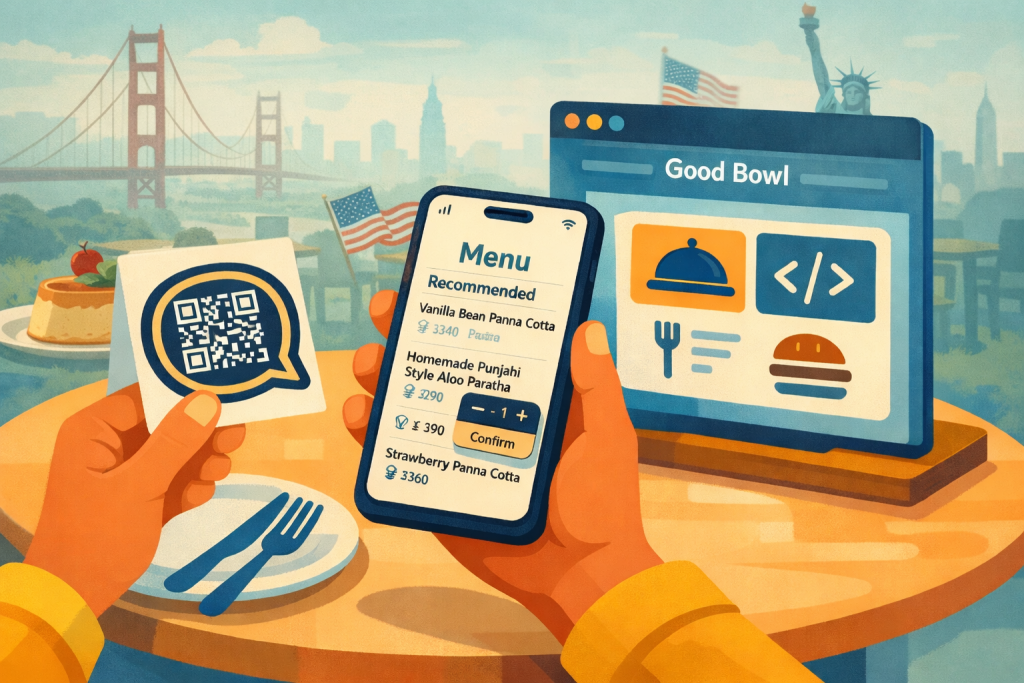
Why QR menus still matter
QR menus started as a hygiene solution, but they’ve become a strategic lever for guest experience, upsell, and labor efficiency.
Now, the most effective QR menus don’t just show dishes; instead they use AI to assist guests, explain the menu, and drive more profitable orders.
The basics: what is a QR code menu?
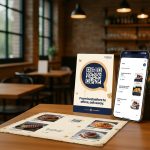
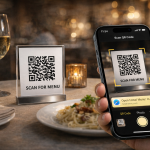
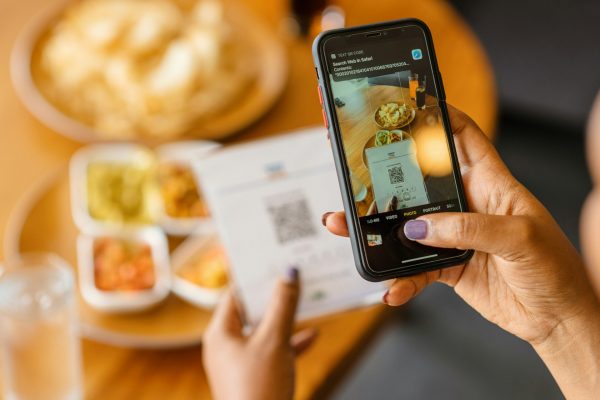
A QR code menu lets guests scan a code on the table to see your menu on their own phone instead of handling paper menus.
The QR code can point to a PDF, image, web page, or a dynamic menu platform.
You can create these QR codes with a QR generator or a dedicated restaurant menu platform.
Dynamic QR codes allow you to change the menu content without changing the printed code.
This is the starting point; the question is what you connect that QR to.
Types of QR menus
There are four main types:
Static PDF/image menus
Web‑page menus (simple digital menus)
QR menus with built‑in ordering and payment
AI‑powered QR menus (with an AI waiter on top)
Examples:
Many generators and POS systems provide PDF or basic web menus via QR.
Platforms like UpMenu and MENU TIGER add online ordering and promotions to QR menus.
AI menu assistants connect an intelligent chat layer to the QR menu, so guests can ask questions and get recommendations.
Why add AI recommendations to your QR menu?
AI turns your QR menu into a sales and service channel:
Handles “what should I order?” for every table, at once.
Understands preferences like “gluten‑free”, “no nuts”, “kid‑friendly”, “very spicy” and filters/curates accordingly.
Suggests sides, add‑ons, and pairings to increase check size.
Reduces wait times because guests don’t have to wait for staff to explain the menu.
In other words, it’s like having your best server cloned to every table, every shift.
How to create a QR menu
A practical step‑by‑step:
Choose your foundation
Option A: Use your existing POS / ordering system’s menu (e.g., online menu / store).
Option B: Use a QR menu platform or AI menu assistant like chocochip that can ingest your current menu.
Prepare your menu content
Clean your item names, descriptions, categories, and prices.
Collect allergen and dietary info where possible (vegan, gluten‑free, contains nuts, etc.).
Add at least one appealing photo per key category or hero item if possible.
Upload/import your menu
Upload a PDF, menu images, spreadsheet, or connect via link/integration, letting the system parse items into structured data. Chocochip does this in 5 minutes.
Verify categories, modifiers, and tags.
Generate and test your QR code
Create a dynamic QR code that points to your live menu.
Test on different phones and connections to ensure fast load and mobile readability.
Print and place QR codes
Place QR codes on table tents, stickers, coasters, and menu boards near ordering points.
Add clear instructions and benefit‑oriented copy (“Scan to see today’s specials and get recommendations”).
Designing a guest‑friendly QR menu
Key principles:
Mobile‑first layout: clear sections (Starters, Mains, Desserts, Drinks), big tap areas, and easy scrolling.
Quick filters: dietary (vegan, vegetarian, gluten‑free), categories, and price bands.
Visual hierarchy: hero items and bestsellers highlighted, descriptions concise but appetizing.
Fast performance: compressed images and optimized hosting so menus load quickly even on busy Wi‑Fi.
Guests should feel like they’re using a well‑designed app, not reading a scanned printout.
Where AI sits in the flow
In an AI‑powered QR menu, the assistant is integrated into the menu experience:
Guests see a clear prompt: “Ask our AI waiter what to order” or “Describe what you’re in the mood for.”
They can type or tap starter questions like “Recommend a main and a side for two people who like spicy food” or “Show me kid‑friendly dishes under $10.”
The AI highlights relevant dishes directly from your menu, with links, explanations, and options to refine.
The AI doesn’t replace your staff; it handles the first layer of questions so your team can focus on hospitality and speed.
Advanced use cases: upsell, cross‑sell, and combos
AI recommendations can be tuned for profitability as well as guest delight:
Suggest higher‑margin items when they fit guest preferences.
Offer pairing suggestions: “Would you like to add garlic bread?” or “This goes well with our house red.”
Build simple combos: “If you’re two people, a good combo is X + Y + dessert Z.”
You can also use data from AI interactions to update menu engineering: which items drive most satisfaction versus margin.
Allergen, nutrition, and compliance
Regulatory expectations and guest awareness around allergens and nutrition are rising in many markets.
AI‑enhanced QR menus support this by:
Storing allergen tags per item in a structured way.
Allowing queries like “Show me all mains without nuts, dairy, or egg.”
Providing consistent, auditable information instead of relying on memory or improvised explanations.
This improves safety and trust, especially for families and high‑risk guests.
Measuring success: what to track
To know whether your QR menu (and AI layer) is working, track:
QR scan volume and completion rate.
Average check size before and after implementation.
Time to order (seat‑to‑order time).
Percentage of guests who interact with the AI assistant.
Common questions (to refine menu descriptions and training).
These metrics help you optimize both the menu structure and the AI behavior.
Common mistakes to avoid
Linking to slow, heavy PDFs that frustrate guests.
Hiding QR codes in places guests don’t notice.
Not telling guests they can ask questions or get personalized recommendations.
Leaving allergen and dietary data incomplete, which limits AI usefulness.
Treating QR menus as “set and forget” instead of improving them based on real guest behavior.
How to get started with an AI‑ready QR menu
To move quickly:
- Start with your existing menu and current QR layout; no need to redesign everything on day one.
Choose a platform that can ingest your menu and provide an AI assistant trained on your dishes and brand voice.
Pilot on a subset of tables or one section of your restaurant, learn from real guest usage, then roll out to all tables.
Today, guests expect QR menus to do more than show a list; adding AI recommendations is the shift that turns them into a genuine advantage for your restaurant.