Update your restaurant menu instantly when items sell out. QR ordering systems eliminate guest disappointment and server confusion. No reprinting needed.

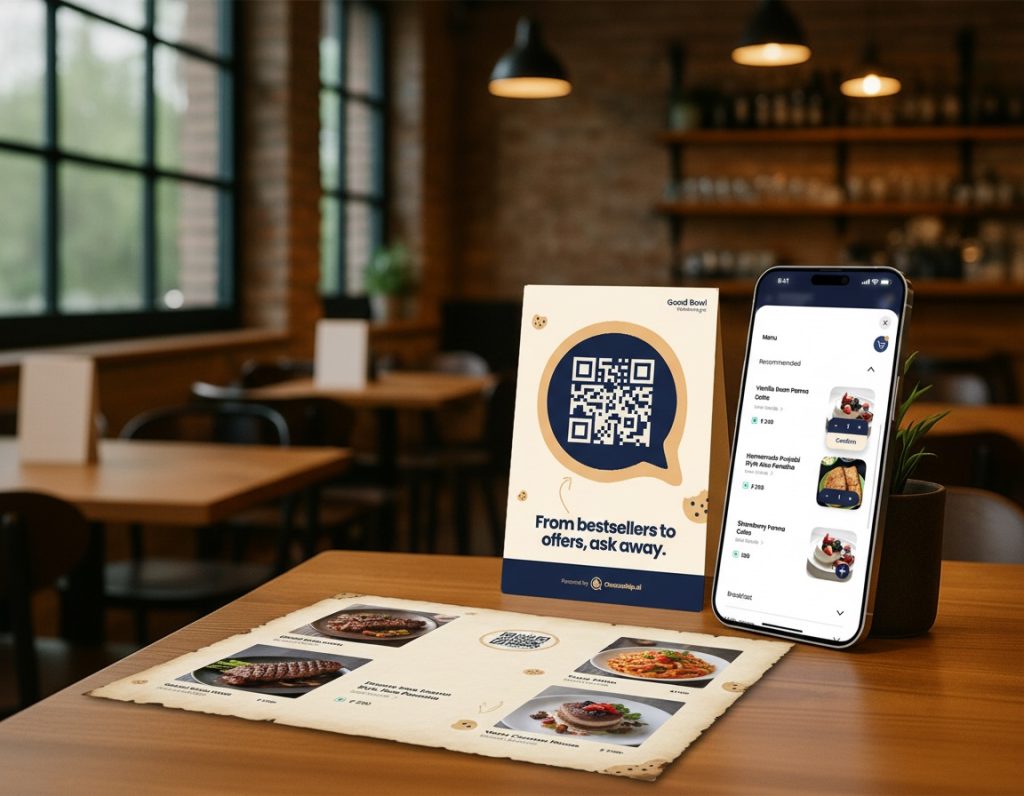
QR menus are now default, but most are broken
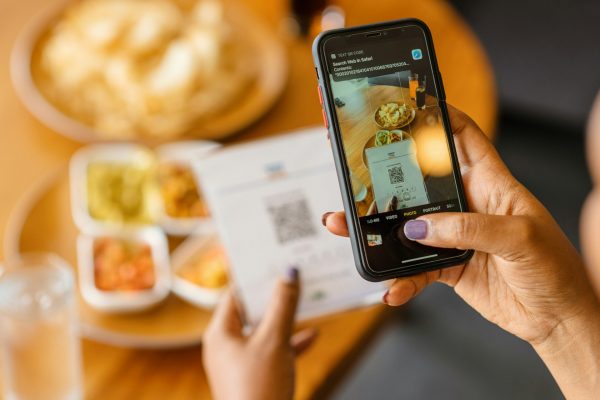
QR codes are on almost every restaurant table today, but in most places they still point to a static PDF or image that behaves like a digital photocopy of the old paper menu. Guests pinch‑zoom, scroll endlessly, and still need to flag staff to ask basic questions about dishes, allergens, or recommendations. A live QR menu goes beyond this by combining structured digital menus with AI that can talk to guests, answer questions, and guide choices in real time.
What is a static QR menu?
A static QR menu is when the QR code on your table simply opens a PDF or image file of your menu.
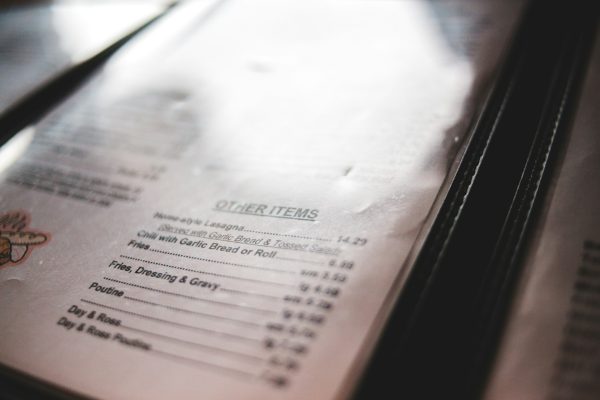
Same layout as the printed menu, just on a phone screen.
Updates require re‑uploading the file, and often reprinting codes if the link changes.
No understanding of what dishes contain, how they go together, or what the guest actually wants.
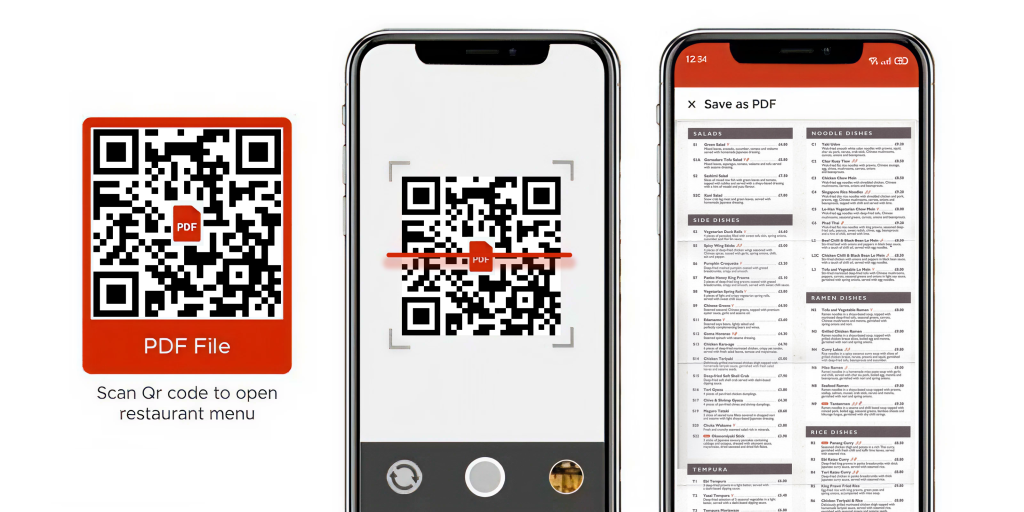
Static QR menus solved hygiene and printing costs during Covid, but they didn’t solve discovery, upsell, or staff shortages.
What is a live QR menu?
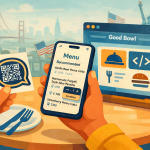
A live QR menu is a digital menu connected to a structured database and an AI “waiter” that can understand your dishes, ingredients, pricing, and context.
Guests scan a QR, land on a mobile‑first menu, and can talk to an AI assistant about the menu (“I’m vegan”, “Recommend something spicy under $15”).
The system knows each item’s ingredients, allergens, tags, and relationships (combos, sides, add‑ons, pairings).
You can change prices, 86 items, or add specials instantly without touching the QR code itself.
Think of it as a digital menu that behaves like your best server on their best day.
Why static menus frustrate guests and hurt revenue
Common pain points with static PDF/image menus:
Hard to read: tiny fonts, zooming, and too many sections on one page.
No filtering: guests with dietary needs must scan the whole menu or ask staff every time.
No guidance: no “if you like this, you might also like…” suggestions.
No real‑time updates: out‑of‑stock items or new specials don’t show up until you re‑upload the file.
For restaurants, this leads to slower ordering, missed upsells, and more staff time spent explaining the same dishes.
How live QR menus work (step by step)
A typical live QR menu flow:
You upload your existing menu (PDF, images, spreadsheets, POS export) or connect an existing digital menu.
The system parses dishes, categories, prices, ingredients, allergens, and tags into structured data.
An AI model is trained or configured on this menu and your brand voice, so it can answer guest questions accurately.
A QR code connects guests to this “smart menu” on mobile; they can browse visually or chat with the AI assistant.
You edit items, prices, and availability from a dashboard; the QR always shows the latest version.
The QR code is just the door; the intelligence lives behind it.
Guest experience: static vs live
Static QR menu:
Guest scans, lands on a PDF, scrolls for 2–3 minutes.
Asks staff “Is this gluten‑free?” or “What do you recommend?”
Often orders the same safe item they always pick.
Live QR menu:
Guest scans and either browses categories or asks, “Recommend a vegetarian main and a sharable starter under $25 total.”
AI highlights suitable dishes, explains them, and suggests popular combos or add‑ons.
Guest feels confident trying something new, and check size increases.
Try Chocochip Smart QR Menu
Transform your static PDF or paper menu into an interactive digital experience. Real-time updates, instant recommendations, and staff nudges, all set up faster than brewing a pot of coffee.
Operational benefits for restaurants
Live menus don’t just improve the front‑end experience; they simplify operations:
Instant menu changes: mark items as unavailable, adjust prices, or add specials in seconds.
Fewer repetitive questions: AI handles “what’s in this?”, “is it spicy?”, “can you make it dairy‑free?” so staff can focus on service.
Consistent information: every guest hears the same accurate description and allergen info, reducing risk and confusion.
Analytics: see what guests ask, which dishes get recommended, and where they hesitate.
Safety, allergens, and dietary needs
Guests’ expectations around allergens and diets are rising.
Static menus:
Often bury allergen info in small notes at the bottom, or don’t show it at all.
Force high‑risk guests to depend entirely on staff knowledge.
Live QR menus with AI:
Let guests say “I’m allergic to nuts” once, then filter the menu automatically.
Answer questions like “Is there egg in the mayo?” based on structured data, not guesswork.
Reduce the chance that a busy server gives incomplete or inconsistent information.
How AI makes your menu “live”
AI is what turns a digital menu into a live menu:
Understands natural language: guests can talk like they would to a human server.
Personalizes suggestions: uses context (budget, group size, dietary preferences) to recommend dishes and combinations.
Learns over time: sees what guests click and order after asking certain questions, and improves its recommendations.
Instead of your menu being a static list, it becomes a conversation.
When a live QR menu is right for you
A live QR menu is particularly valuable if:
Your staff is stretched thin or turnover is high.
You have a complex menu (lots of modifiers, allergens, or cuisines).
You want to increase check sizes through smart pairing and upsell.
You already use QR codes, but they only point to PDFs today.
In those cases, upgrading from static QR to live QR + AI is one of the highest‑leverage menu changes you can make.
How to upgrade from static to live QR
A simple migration path:
Replace the current QR with chocochip.ai QR. Onboard your existing menu into chocochip in 10 mins.
This will replace the PDF link behind the QR with a smart menu URL
Add clear microcopy: “Scan to chat with our AI waiter: ask for recommendations, allergens, and pairings.”
Train staff to introduce it at the table for the first few weeks.
Once guests experience a live menu, going back to a static PDF feels like going back from streaming to DVDs.